Projects are more than just documentation, they are about conveying the information such that the entire team can understand the design intent. At BIMspire, we offer detailed project modeling down to the bolts and connections if necessary!
What is LOD? LOD stands for Level of Detail. These range from LOD 100 to LOD 500.
At LOD 100, your drawings are representative of basic walls with thickness only, no individual materials or thicknesses. This is a great option for Schematic Design and initial conversations with potential clients.
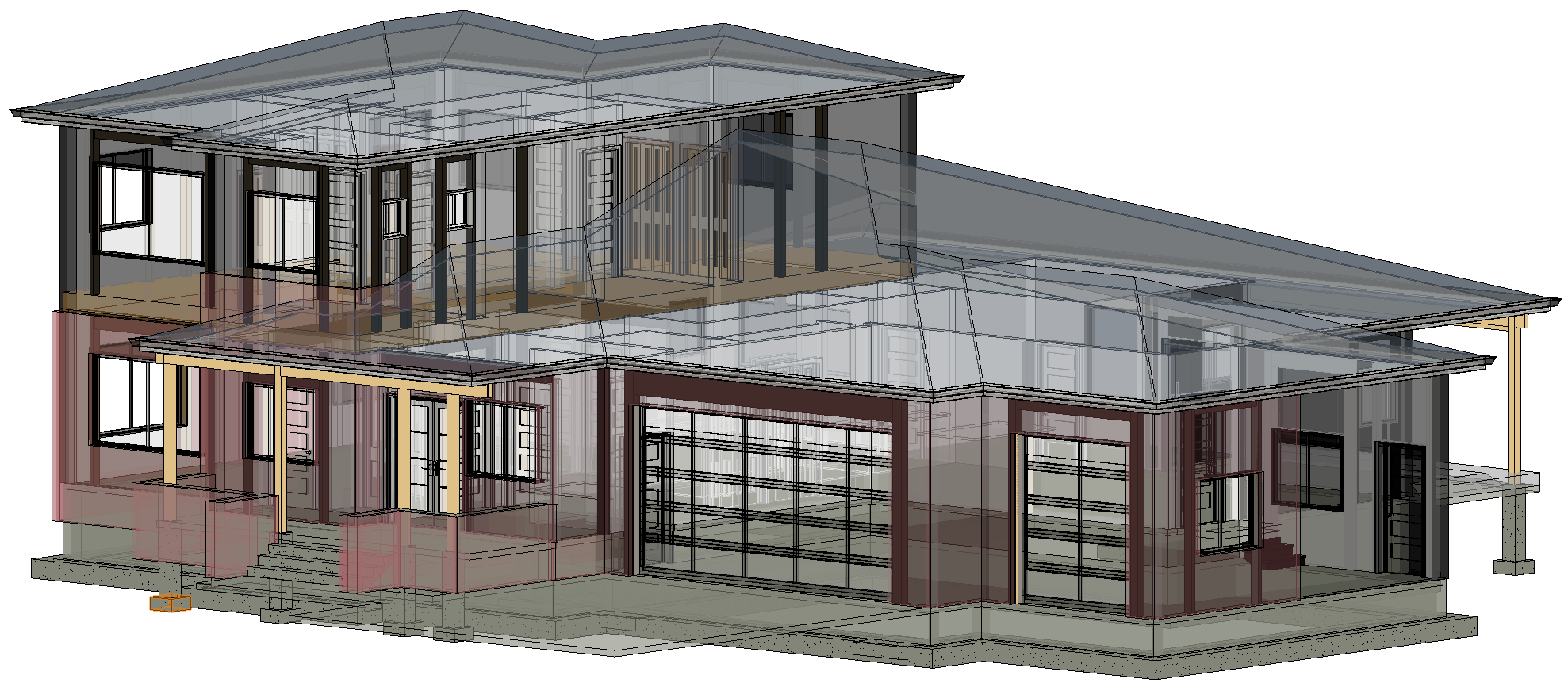
At LOD 200, your drawings and models start to take a more detailed and interesting shape. Walls have layers, roofs have slopes and thicknesses, beams, joists, and columns are modeled individually throughout the structure. This is most typical for most projects, but details and coordination are often still done through 2D representation.
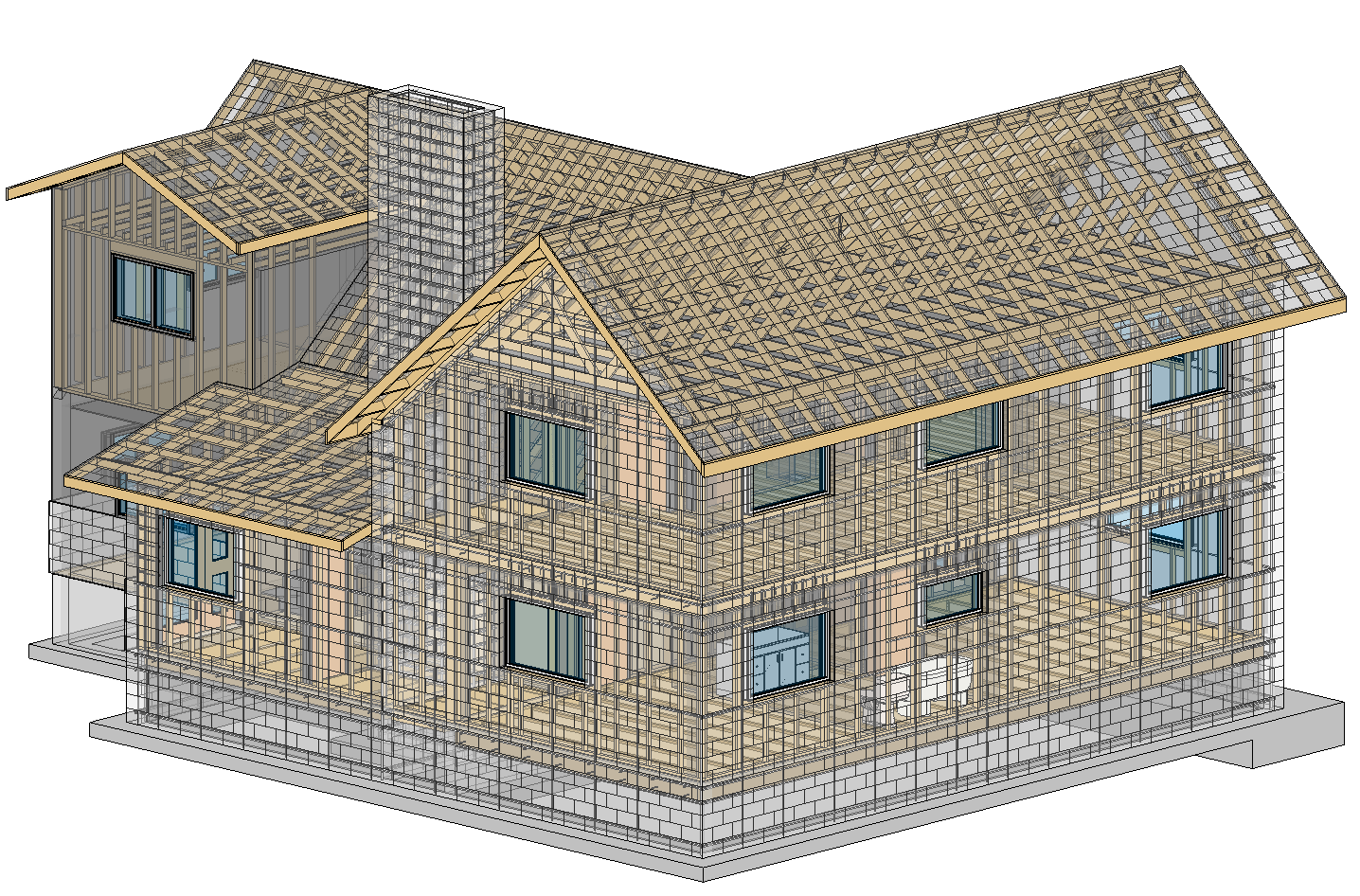
At LOD 300, your drawings transform into a more model focused approach. All trusses are modeled with individual members. Furring is modeled separately from the core walls. Your model goes from Schematic to Design oriented. The modeling process follows closely the construction method, but items such as bolts, hangers, caps, and other small details are not modeled.
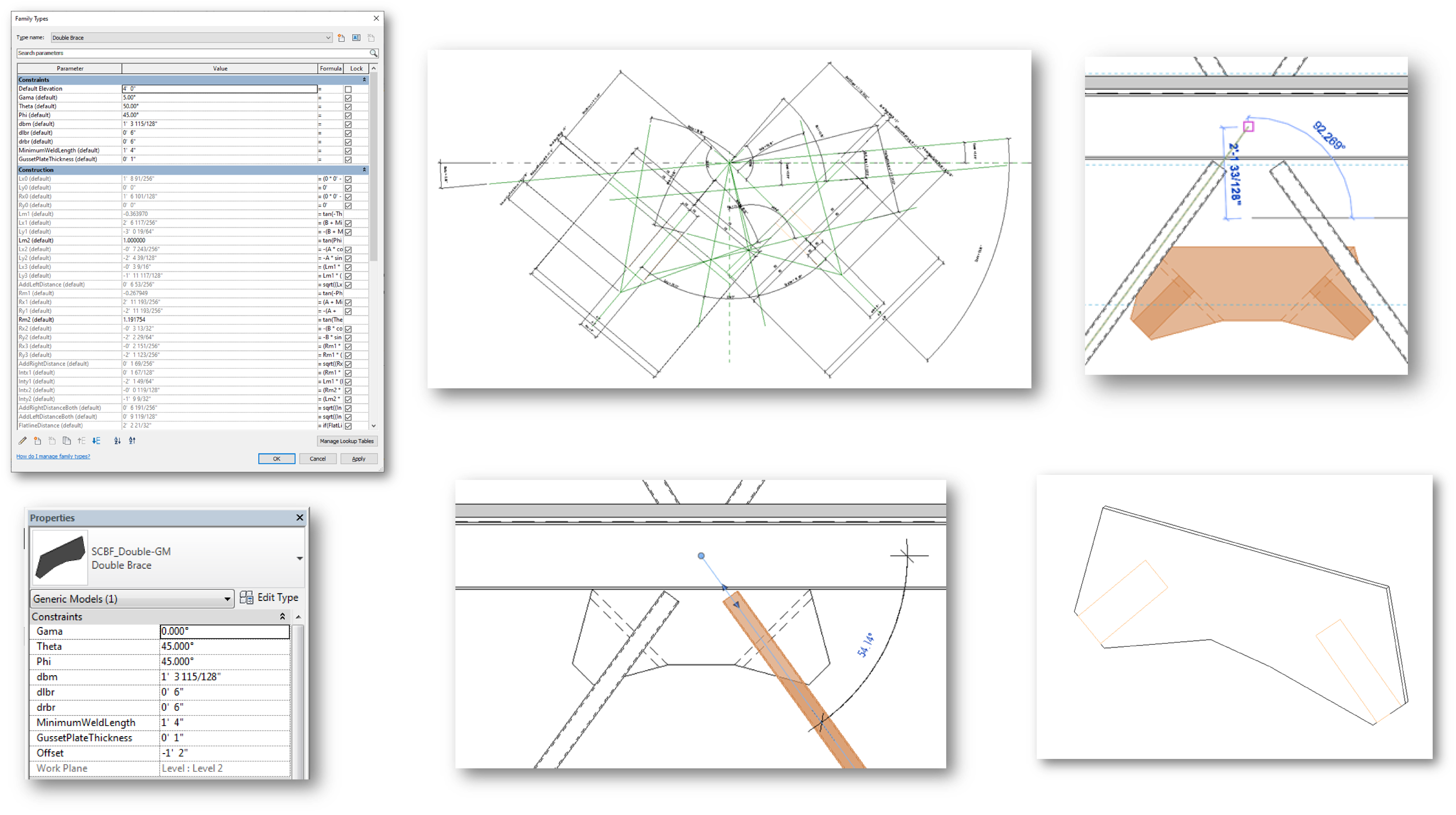
At LOD 350, certain bigger details start to get modeled. Items that require more coordination effort are modeled at this level. Think gusset plates for braced frames, ceiling framing, braces for non-structural seismic items, etc. At this level you’re working on Construction Documents and final coordination.
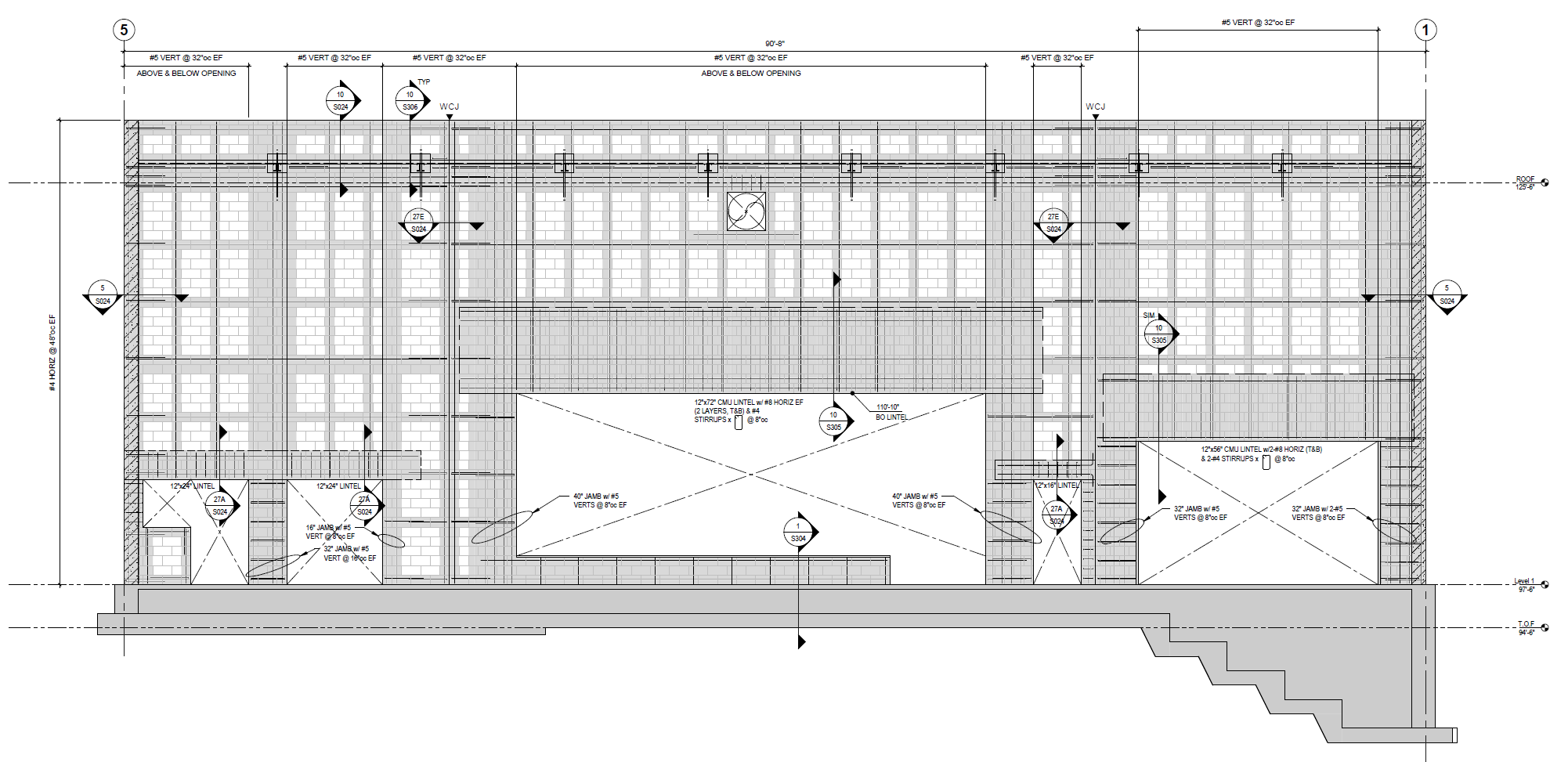
At LOD 400, you’re beyond Construction Documents. You’re into the estimating, and construction processes phase. Items that become modeled include hangers, tie down straps, hold downs, anchor bolts, etc. Items that may be requested but aren’t implied at this level include rebar, control joints, toe kicks, chair rails, or other more involved items that add little to no coordination or estimating value.
At LOD 500, you’re beyond construction items. This level of detail is focused on the owner’s use of the building. Studs, bridging, bracing, equipment, etc are modeled in their as-built locations. The model becoming a digital twin of the building. This is great for buildings that are expected to have tenant improvements or future renovations, but typically is beyond the scope of most projects.
 BIMspire